

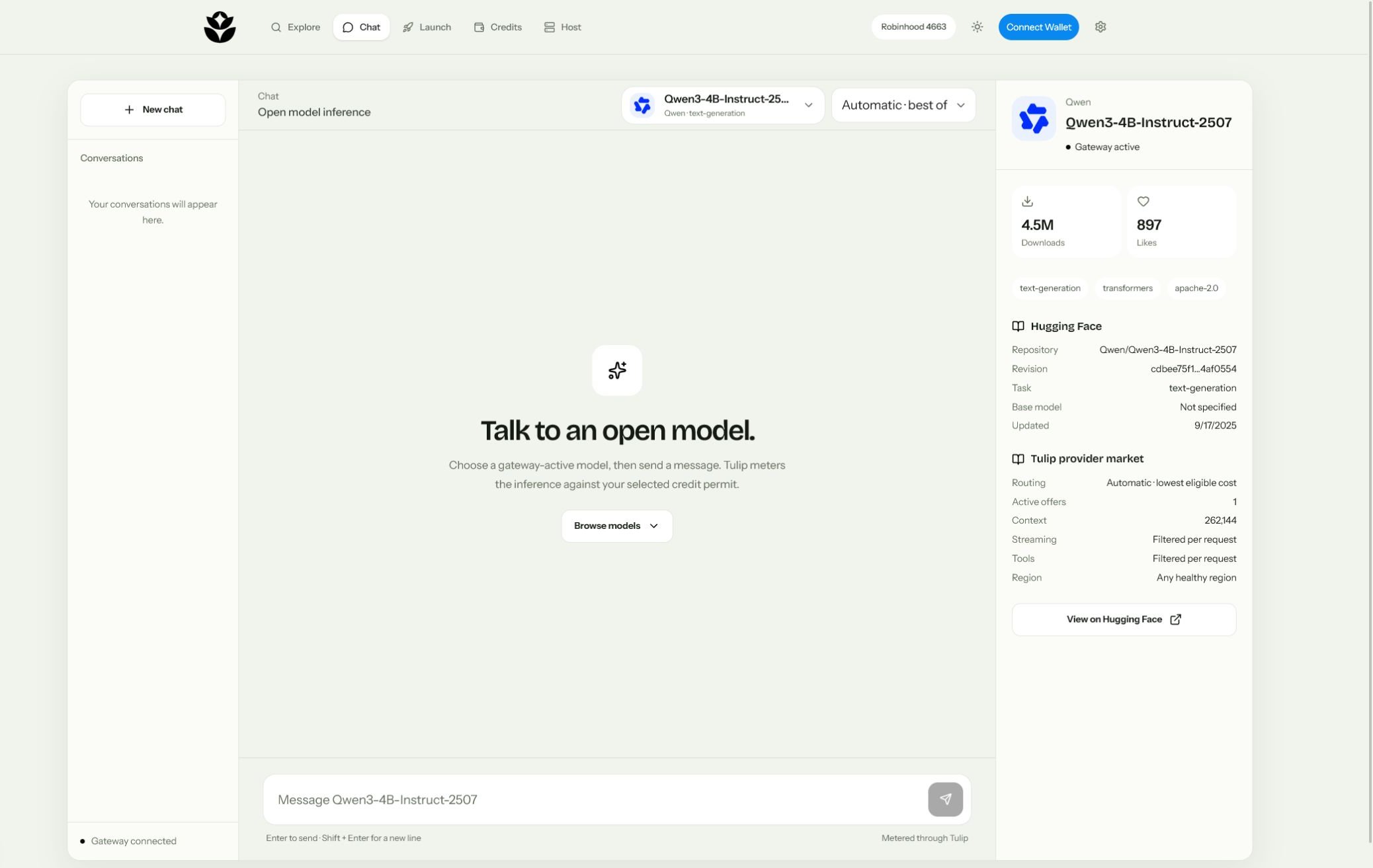
Use the frontend
Fund a permit
Open Credits, select the market, and deposit enough credit to cover your expected requests. Leave provider selection open unless you require one specific offer.
Select the model
Open Chat and use the model picker. In version 1, review the pinned Hugging Face model link and available provider count.
Send a message
Choose the funded permit, enter your prompt, and submit. A sleeping endpoint may take longer and may add the provider’s published wake fee.
Request headers
| Header | Required | Purpose |
|---|---|---|
Authorization: Bearer … | Yes | Authenticates the Tulip API client. |
X-Tulip-Permit | Yes | Selects the model-bound escrow permit. |
X-Tulip-Quote | No | Reuses a valid quote for the exact same request. |
Idempotency-Key | Supported | Identifies a client request across retries. |
Streaming
Setstream: true to receive server-sent events. The upstream stream must include terminal usage. If usage is missing or the client disconnects before completion, Tulip marks the request failed and releases the reservation rather than estimating a charge.
Common failures
No eligible provider offer
No eligible provider offer
No active verified endpoint can currently serve the request. The model credit can continue trading even when inference is temporarily unavailable.
Insufficient credits
Insufficient credits
The permit’s unreserved balance is lower than the maximum quoted charge. Top up the permit or reduce the maximum completion tokens.
Offer mismatch
Offer mismatch
The quote selected an offer different from the one pinned by the permit.
Quote conflict or expiry
Quote conflict or expiry
Quotes expire after 60 seconds and are bound to the exact request body. Request a new quote after changing messages or generation settings.